

The waves erase without cruelty. To be forgotten by the sea is to return to something larger than memory.
***
Whether you’re hosting on a high-performance VPS or a standard shared environment, your choice of plugins determines the ceiling of your website’s success.
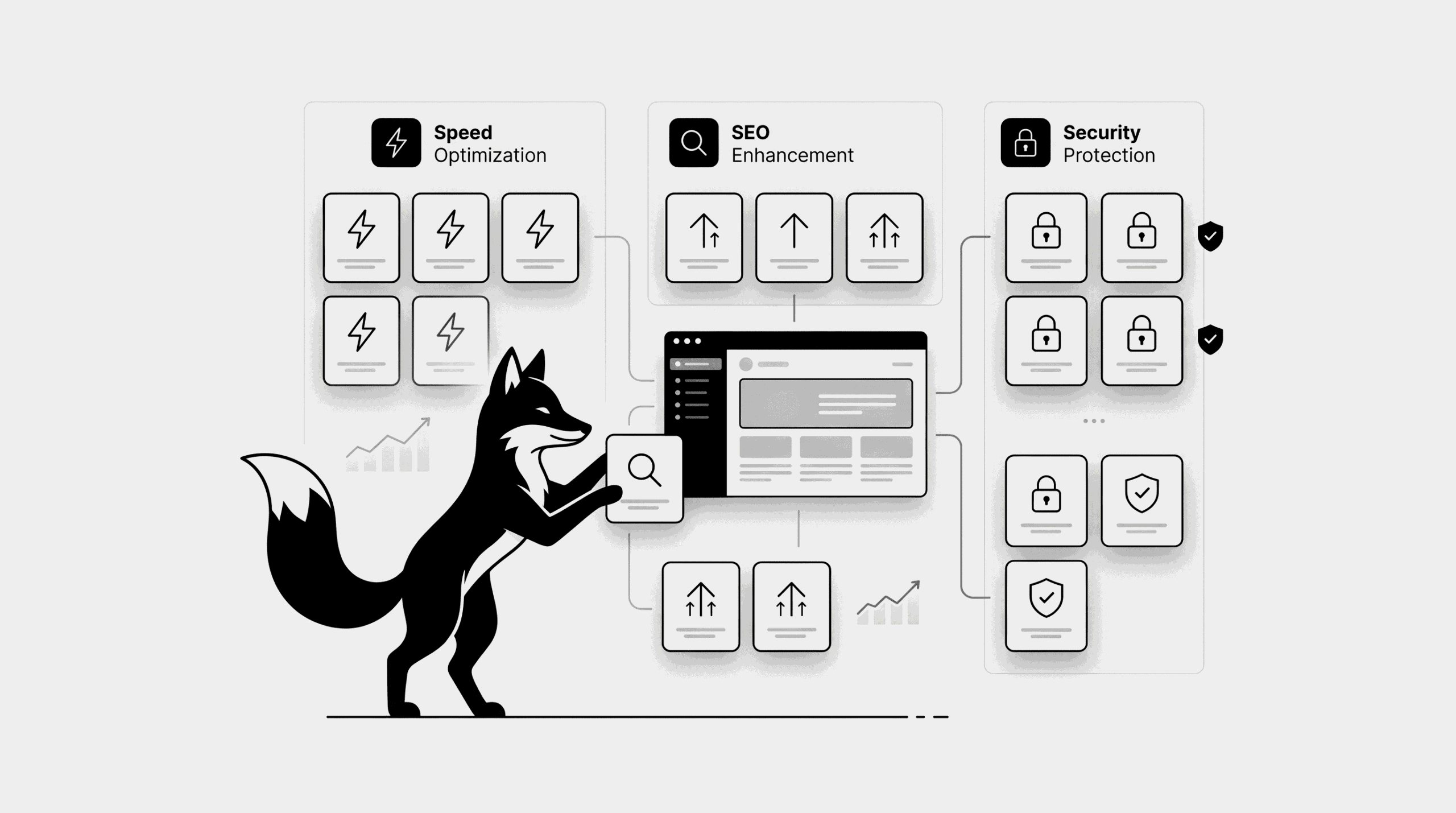
In 2026, the goal is “Plugin Efficiency”—getting the maximum functionality with the minimum impact on your server’s resources. In this guide, I’ll break down the elite plugin stack for SEO, speed, security, and stability.
The Core Mission of Your Plugin Stack
- Performance: Reducing page load times for better Core Web Vitals
- Visibility: Signaling authority to Google and search engines
- Defense: Creating a “moat” around your data and users
- Disaster Recovery: Ensuring you can restore your business in minutes, not days
1. The SEO Vanguard
Rank Math SEO (Top Recommendation)
- Hyper-lightweight code that won’t bog down your database
- Built-in Schema module to capture Rich Snippets on Google
- Advanced AI features for content analysis and keyword tracking
Yoast SEO
- The industry veteran with a massive user base
- Excellent “Readability” analysis for beginner writers
- Simple, intuitive setup for basic optimization
Professional Verdict: To avoid code bloat and database conflicts, choose exactly one. Rank Math is generally superior for modern VPS environments.
2. The Performance Engine
WP Rocket (Premium Performance)
- One-click optimization: Cache, Lazy Loading, and Database cleanup
- File optimization (Minify/Combine) that actually works without breaking your layout
LiteSpeed Cache (The Free Powerhouse)
- Incredible results if your VPS is running a LiteSpeed server
- Deep integration with QUIC.cloud CDN for global speed
3. The Security Fortress
Wordfence Security
- End-point Firewall that actively blocks malicious traffic patterns
- Real-time malware signatures to catch new threats immediately
- Login hardening features like Two-Factor Authentication (2FA)
iThemes Security
- Focuses on “hardening” the WordPress core and hiding common entry points
- A great lightweight alternative for smaller sites
Professional Verdict: Wordfence is the industry standard for a reason—it is an all-in-one security department for your site.
4. The Disaster Recovery Suite
✔ UpdraftPlus
- The gold standard for scheduled, automated backups
- Off-site storage support: Instantly push backups to Google Drive, Dropbox, or AWS S3
- One-click restoration that actually works under pressure
5. Image Optimization & Asset Management
ShortPixel
- Uses advanced compression algorithms (Lossy, Glossy, Lossless)
- Can automatically convert images to WebP or AVIF formats for extreme speed
Redirection
- Essential for maintaining SEO health when you change URLs or fix 404 errors
The Professional’s Rulebook (Do Not Skip)
- The Power of One: Never run two plugins that do the same job (e.g., two SEO or two Caching plugins). This causes “Code War” and can crash your site.
- The Minimalist Approach: Every plugin you add is a new line of code that must load. If a plugin doesn’t provide significant value, delete it.
The “Gold Standard” VPS Recommendation
For a fast, secure WordPress setup on a modern VPS, we recommend this specific combination:
- SEO: Rank Math SEO
- Speed: WP Rocket (or LiteSpeed Cache if on a LiteSpeed server)
- Security: Wordfence Security
- Safety: UpdraftPlus Backup
The Result
- A site that passes Google’s Core Web Vitals with flying colors
- A secure environment that discourages 99% of automated attacks
- A robust SEO foundation ready to dominate your niche
- Peace of mind knowing your data is backed up off-site
Master Your Hosting Environment
- The Blueprint: Installing WordPress on VPS with Docker
- Solving the 502 Bad Gateway: A Docker Troubleshooting Guide
- Tuning for Speed: Optimizing WordPress on a VPS Stack
✔ You now have a battle-tested WordPress plugin architecture designed for growth and reliability in 2026.
Share:
Tags