
Artificial intelligence is fundamentally rewiring how successful websites are built and managed.
Instead of staring at a blank screen for hours, you can now integrate AI directly into WordPress to generate highly optimized blog posts, automate tedious tasks, and scale your traffic at record speed.
In this guide, I will show you the exact step-by-step framework to harness AI in your WordPress workflow.
What AI in WordPress Actually Means
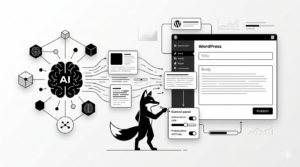
Integrating AI into WordPress means transforming your dashboard into a semi-automated publishing powerhouse.
Rather than writing every single word and manually tweaking every meta tag, you deploy AI tools to assist with heavy research, draft your initial content, and programmatically handle your SEO optimization.
STEP 1 — Install Dedicated AI WordPress Plugins
To unlock AI capabilities without leaving your dashboard, you need to install a dedicated integration plugin:
- AI Engine (by Meow Apps)
- Jetpack AI Assistant
- Bertha AI
- GetGenie AI
These tools bridge the gap, allowing you to generate entire articles right from the WordPress block editor.
STEP 2 — Generate Complete Blog Posts with AI
Once installed, these plugins act as your personal writing assistant. You can use them to:
- Draft comprehensive, long-form blog articles
- Brainstorm dozens of highly clickable titles and subheadings
- Instantly generate optimized SEO meta descriptions
Try feeding your plugin a highly specific prompt like this:
Write a 1500-word WordPress blog post about SEO optimization in 2026. Include a step-by-step framework, actionable tips, and an authoritative tone.
STEP 3 — Leverage ChatGPT for Elite Content Creation
While native plugins are convenient, many professional agencies still prefer using external powerhouses like ChatGPT.
The Agency Workflow:
- Generate your foundational content and research inside ChatGPT
- Manually edit the tone, structure, and headings for maximum impact
- Paste the polished draft directly into your WordPress editor
This method guarantees a much higher quality standard and prevents your site from feeling robotic.
STEP 4 — Supercharge Your SEO Optimization
AI isn’t just for writing—it is a massive cheat code for your on-page SEO.
- Uncover hidden, high-traffic keyword opportunities
- Rewrite your meta titles and descriptions to maximize click-through rates
- Analyze and improve the overall readability of your text
Pairing an AI writer with a smart SEO plugin like Rank Math creates an unstoppable optimization loop.
STEP 5 — Automate Your Publishing Workflow
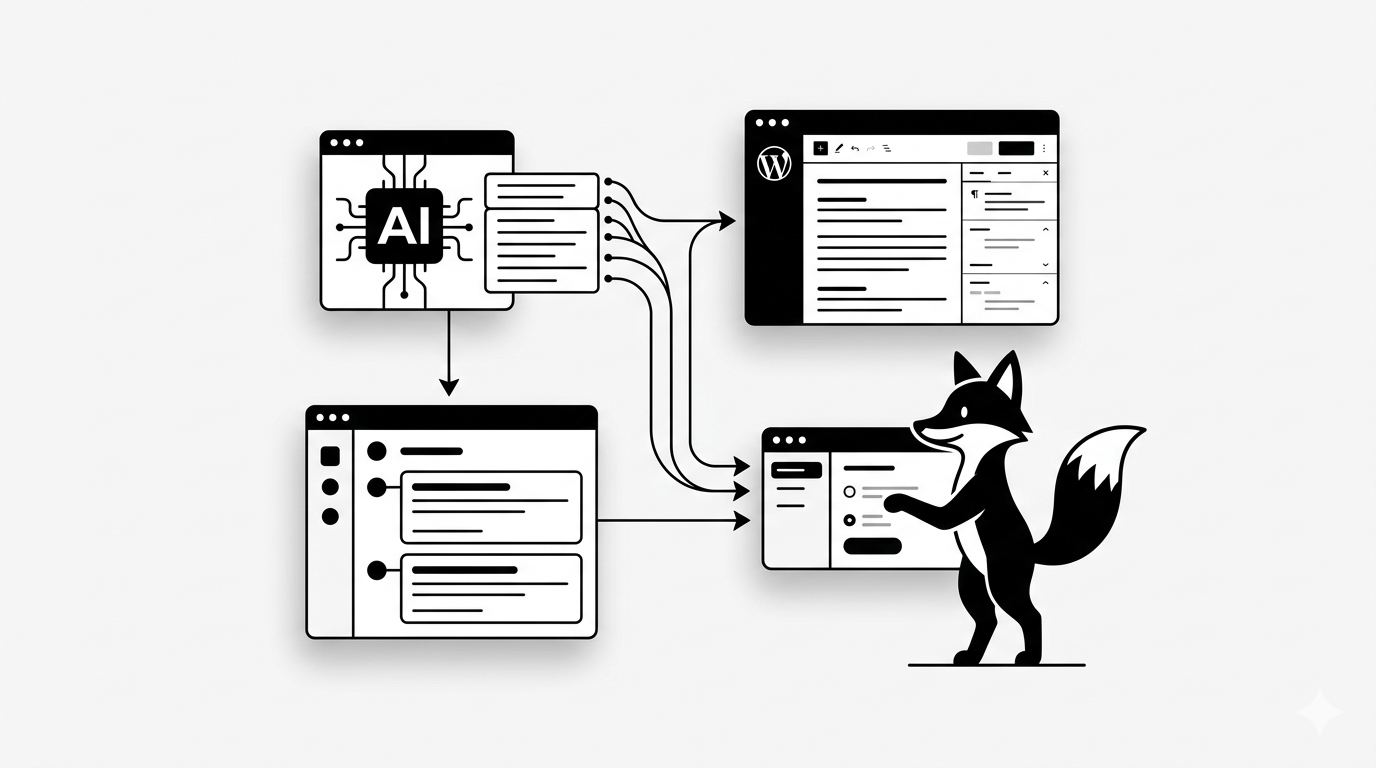
If you want to scale aggressively, you can string these tools together into a fully automated publishing pipeline:
- An AI model generates the draft based on a trending keyword
- Your SEO plugin automatically evaluates and optimizes the text
- WordPress schedules and publishes the post during peak traffic hours
This exact blueprint is how high-end agencies produce massive amounts of content.
STEP 6 — Avoid Devastating AI SEO Penalties
Google’s algorithm ruthlessly penalizes pure, unedited AI spam. To protect your rankings, you must follow the “AI Assist” rule.
Before hitting publish, always:
- Manually edit the raw AI output for tone and accuracy
- Inject real-world examples, personal experiences, and unique insights
- Aggressively reformat the structure to ensure it is highly readable for humans
STEP 7 — The Highest-ROI Use Cases for AI in WordPress
- Scaling out long-form informational blog posts
- Mass-generating unique eCommerce product descriptions
- Automating tedious SEO meta titles and tag generation
- Instantly building comprehensive FAQ sections to capture featured snippets
Avoid These Costly Implementation Mistakes
- Publishing raw, unedited AI content directly to your live site
- Ignoring search intent and failing to map out a proper SEO structure first
- Feeding the AI lazy, generic prompts and expecting expert-level outputs
- Setting up full automation but completely abandoning your quality control process
The Final Result
- A drastically accelerated content creation pipeline
- A massive boost in your daily publishing productivity
- Highly optimized blog posts that actively climb Google’s rankings
- A fully scalable WordPress workflow that runs on autopilot
Keep Scaling Your Digital Assets
- The ultimate WordPress SEO setup guide for beginners
- Proven strategies to drastically speed up your WordPress website
- How to easily track down and fix the WordPress 404 error
- The ultimate guide to securing your WordPress website from hackers
You now have the exact blueprint to deploy AI across your WordPress workflow, allowing you to scale your content and grow your traffic faster than ever before.
Share: