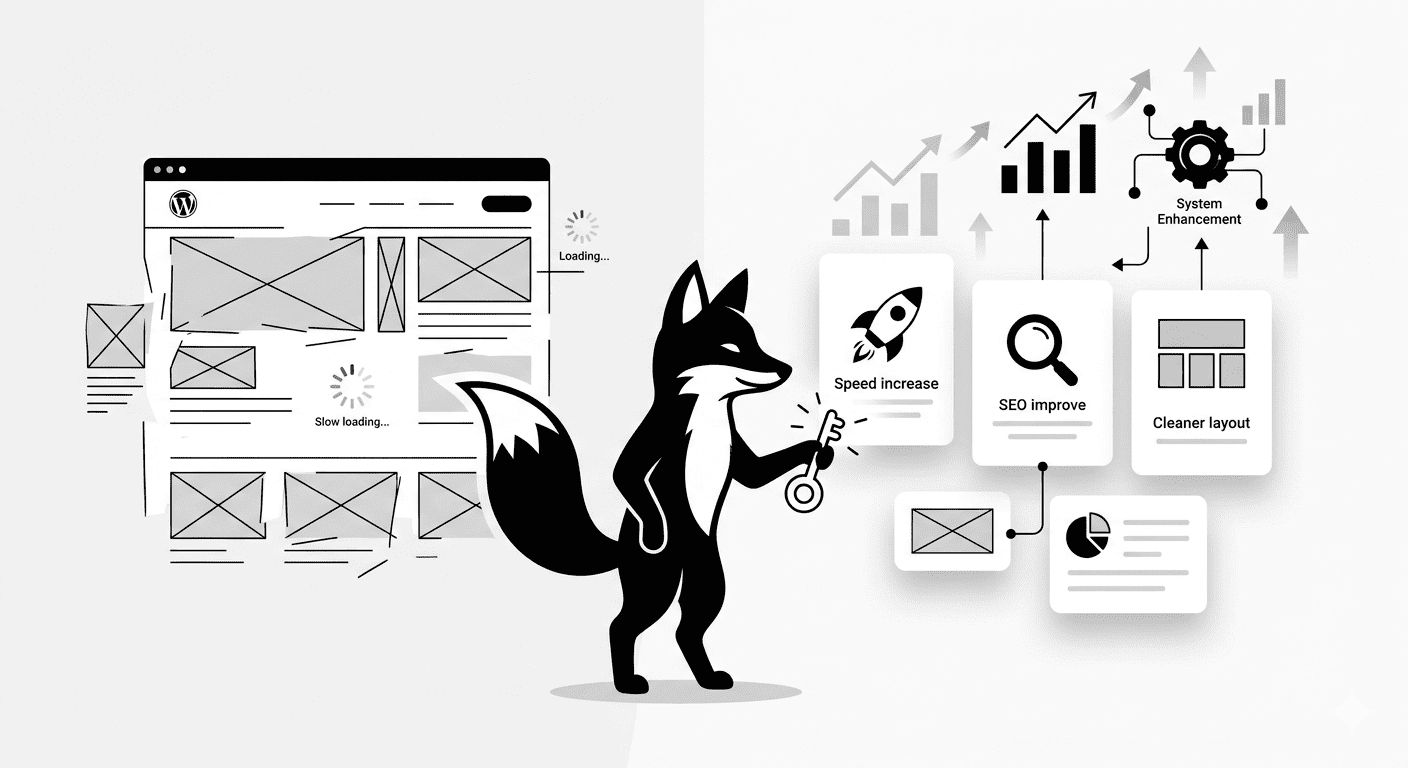
If you want your WordPress website to load faster, rank higher, and feel infinitely more professional, you don’t necessarily need to invest in an expensive suite of premium tools.
Most performance bottlenecks can be solved with a few smart, strategic tweaks to your existing setup.
In this guide, I am going to share 7 under-the-radar, high-impact WordPress hacks that will instantly tighten up your performance, boost your SEO, and create a frictionless user experience.
HACK 1 — Lazy Load Images for an Instant Speed Boost
Images are usually the heaviest assets on any page. Lazy loading solves this by telling the browser to delay loading off-screen images until the user actually scrolls down to them.
- Enable native lazy loading in your WordPress settings or via a caching plugin
- Serve all of your images in lightweight, next-gen formats like WebP
The Result: A drastically faster initial page load and an immediate bump in your Google Core Web Vitals scores.
HACK 2 — Disable Unused, Render-Blocking Scripts
Many poorly coded plugins forcefully load their JavaScript and CSS files on every single page of your site, even if their features aren’t being used on that specific page.
- Systematically strip out unnecessary CSS and JS files from your homepage
- Use an asset optimization plugin (like Perfmatters) to dictate exactly where scripts are allowed to run
The Result: Significantly cleaner source code and a much faster rendering time for your visitors.
HACK 3 — Ruthlessly Clean Your WordPress Dashboard
A bloated backend doesn’t just annoy you when you log in; it actively bogs down your server’s processing power.
- Delete completely unused or deactivated plugins
- Bulk-delete thousands of pending spam comments
- Purge leftover demo content, unused themes, and orphaned media files
The Result: A lightning-fast admin experience and a drastically reduced load on your server database.
HACK 4 — Deep Clean and Optimize Your Database
WordPress treats your database like a digital junk drawer. Over time, it gets stuffed full of useless auto-saves, metadata, and temporary background data.
- Limit and regularly delete excessive post revisions
- Clear out expired transients (temporary cached data)
- Schedule a weekly, automated database optimization sweep
The Result: A leaner database size, resulting in lightning-fast backend queries and snappier page loads.
HACK 5 — Preload Your Most Critical Assets
Preloading acts as a VIP pass for your most important files. It explicitly tells the browser to download specific assets immediately, before anything else.
- Preload your critical CSS stylesheets
- Preload your primary brand fonts to prevent the dreaded “Flash of Unstyled Text”
- Pre-connect to important third-party domains (like Google Analytics)
The Result: A massive improvement in perceived loading speed, keeping impatient visitors from bouncing.
HACK 6 — Stop Plugin Hoarding
There is a toxic myth in the WordPress community that there is a plugin for every problem. Installing too many plugins is the fastest way to destroy your site’s stability.
- Audit your site and keep only absolute mission-critical plugins
- Swap out heavy, multi-purpose plugins for lightweight, single-feature alternatives
- Hard-code simple solutions instead of relying on a plugin to do it
The Result: A highly stable environment with far fewer security vulnerabilities and code conflicts.
HACK 7 — Automate Your Internal Linking Strategy
Internal linking is the invisible glue that holds your SEO strategy together. It passes authority between your pages and helps Google’s crawlers map out your site structure.
- Use related-post automation to interlink relevant content dynamically
- Group your content into tight “Topic Clusters” (e.g., WordPress SEO, Speed Optimization)
- Make it a habit to regularly audit old posts and inject links pointing to your newest articles
The Result: Higher overall search rankings, deeper site crawls, and significantly longer user session durations.
The Final Result
- Lightning-fast overall website performance
- A structurally sound, highly optimized SEO foundation
- A frictionless, highly professional user experience
- A clean, secure, and manageable WordPress backend
Keep Optimizing Your Infrastructure
✔ Apply these foundational WordPress hacks today, and your website will instantly run leaner, rank higher, and feel vastly more professional.